Payment processing for small business
Most owners never see what their payments really cost. We do.
PayLink works out what taking payments costs your business, on the statement and off it. Then we find the right setup among the technology providers we work with, and we handle the setup ourselves. After that, we’re the people you call.
Or call 952-222-7587 and a person picks up.
01How we work
First we listen. Then we do the math.
The order matters. Nothing gets recommended until we’ve seen how you get paid now.
More about PayLink-
Listen
It starts with how you get paid today.
Some businesses take most of their money at a counter. Others send invoices and wait for checks. We want to hear how yours works, in your words, before we look at a single number.
Useful to haveA recent processing statement or two, and a rough idea of how you bill.
-
Find the real costs
We read the statements line by line.
A card payment passes through several hands on its way to your bank, and each one takes a share. We name every party in your transactions and put a number next to each. We also count what never shows up on a statement, like the hours spent keying in payments and the days spent waiting for them.
Know your flowOur founder’s phrase for it. If you can’t name everyone who takes a share, you can’t judge the price. We keep teaching it long after setup.
-
Find the right setup
Then we find what fits.
We work with technology providers and choose among them for your business. Each pricing model gets weighed against how you sell, and each way to pay against how your customers like to pay. Wherever possible, the equipment and software you already use stay where they are.
On the tableThree pricing models, each with its own rules. They’re explained below.
-
Set it up
We handle the setup.
That covers the compliance work and the equipment. It can take as little as 24–48 hours, and the terms are short enough to list here.
Terms- Rates and fees
- Guaranteed
- Long-term contract
- None
- Termination fees
- None
-
Stay on call
When you call, a person answers.
Say a statement looks wrong, or a customer’s payment won’t go through. You won’t get a phone tree or a voicemail box. You get someone on our team, and the problem gets dealt with.
Direct line952-222-7587 · support@paylink.cc
02What we look for
Hard costs are on the statement. Soft costs are everywhere else.
When we review your merchant services, we count both. A low rate on paper says nothing about the afternoon someone spends matching deposits to invoices.
The pricing model you’re on
Whether it’s Interchange Plus or a flat rate decides how every other number on the statement behaves.
Every fee, and who charges it
When the rate you signed up for and the rate you end up paying don’t match, the statement rarely says why. We match each fee to the party that takes it.
What it costs to leave
Termination fees make a poor setup expensive to fix. PayLink has none, and no long-term contract.
Time spent keying and matching
Card numbers typed in by hand, then payments matched to invoices one at a time.
Days spent waiting
A mailed check is money you’ve earned and can’t use yet. So is an invoice with no way to pay it on the spot.
Systems that don’t sync
When payments and the books live in separate places, someone reconciles them by hand.
I can’t recommend Paul enough for any supplier that wants to more holistically understand all the different factors, hard costs and soft costs that go into accepting card strategically for your business. … He’s a wealth of knowledge, extremely kind …
 Ross MantheiCEO
The same split, applied to invoices on terms: read our infographic on the hard and soft costs of receivables
03Credit policy calculator
Selling on terms has a cost. Put a number on yours.
Every invoice you send on terms costs money to send and to chase, and some never get paid. Our Credit Policy Calculator adds those costs up from your own numbers. Then it shows what an updated credit policy, with more customers paying by card or ACH, could change.
What you enter
- Your receivables
- Annual revenue and days sales outstanding
- Each invoice
- What it costs to send and to chase
- How you’re paid
- The split between checks and electronic payments
- Your terms
- The early-payment discount, and how many customers take it
What you get back
- Costs
- Your credit policy today and updated, line by line
- Bottom line
- The difference, under two scenarios
- Card and ACH
- Their net benefit, in basis points and dollars
Estimates from the numbers you enter. Not financial, tax or legal advice.
04What we can set up
The tools come last.
Once we know how you get paid, we choose from these. You might need two of them, or six.
See them all on one page05Pricing models
Three ways to price card payments. We help you choose one.
Each model puts the card cost in a different place. We walk you through what each would mean for your business before you decide.
Interchange Plus
You pay the actual card cost plus a set margin.
Every transaction’s cost is visible. Often a fit for higher-volume B2B and ecommerce businesses.
Dual Pricing
A card price and a lower cash price, both posted.
Customers see both prices before they pay, and the receipt shows which one applied. Often a fit for in-person businesses with posted prices.
Surcharging
A fee on credit card payments. Never on debit.
Under PayLink’s guidelines the surcharge is capped at 3% or your true cost of acceptance, whichever is lower, and it has to be disclosed.
Per PayLinkDual Pricing and Surcharging can eliminate up to 100% of credit card processing fees.
Card-brand and state rules apply to both, and PayLink confirms the current rules for your state before you enroll. Whichever model you choose, your rates and fees are guaranteed.
06B2B card payments
When to take card from other businesses, and who should pay for it.
A customer asks to put a large invoice on a card. Say yes and you carry the fee. Say no and you wait for the check.
We look at both sides of that: how quickly your invoices get paid, and what each payment costs you. We work out where card makes sense for your buyers and how to cover its cost within card-brand and state rules. Invoices then go out with a payment link, and payments flow back into your books.
- Invoices
- Payment link built in
- Ways to pay
- Card and ACH side by side
- Repeat buyers
- Customer Vault
- Your books
- Two-way accounting sync
Per PayLinkElectronic invoicing is designed to reduce your DSO by 3x.
B2B Card Payments are a vital part of a business’s AR Collections process. Providing this service to companies requires someone that understand how, when and why Card payments should be used. …
 Roger McNamaraDirector @ Visa
07Founder

Founded by Paul Erdal. More than two decades in payments.
Paul Erdal founded PayLink to provide payment acceptance for businesses of all types and sizes, and he leads it as CEO. He has spent more than two decades in the payments industry, working with businesses to streamline the way they accept payments.
“Know your flow” is his phrase. It means knowing who is involved in your transaction processing and what each of them takes, and it is why teaching clients carries on long after setup.
- Role
- Founder & CEO
- In payments
- More than two decades
- Background
- LinkedIn profile
Paul is a true professional in his field and is committed to delivering the very best service to his clients. He is knowledgeable, detailed, and operates with integrity. …
 Elaina SmithPayments Expert
… Paul and his team are experts in B2B Payments in business and the associated benefits they deliver. Paul has developed some very unique tools to assist his clients understand value …
Roger McNamaraDirector @ Visa08Resources
Know what you’re paying for. Then read the detail.
PayLink’s own white papers and infographics on credit policy and the cost of getting paid. Each one is a free PDF, with no form to fill in.
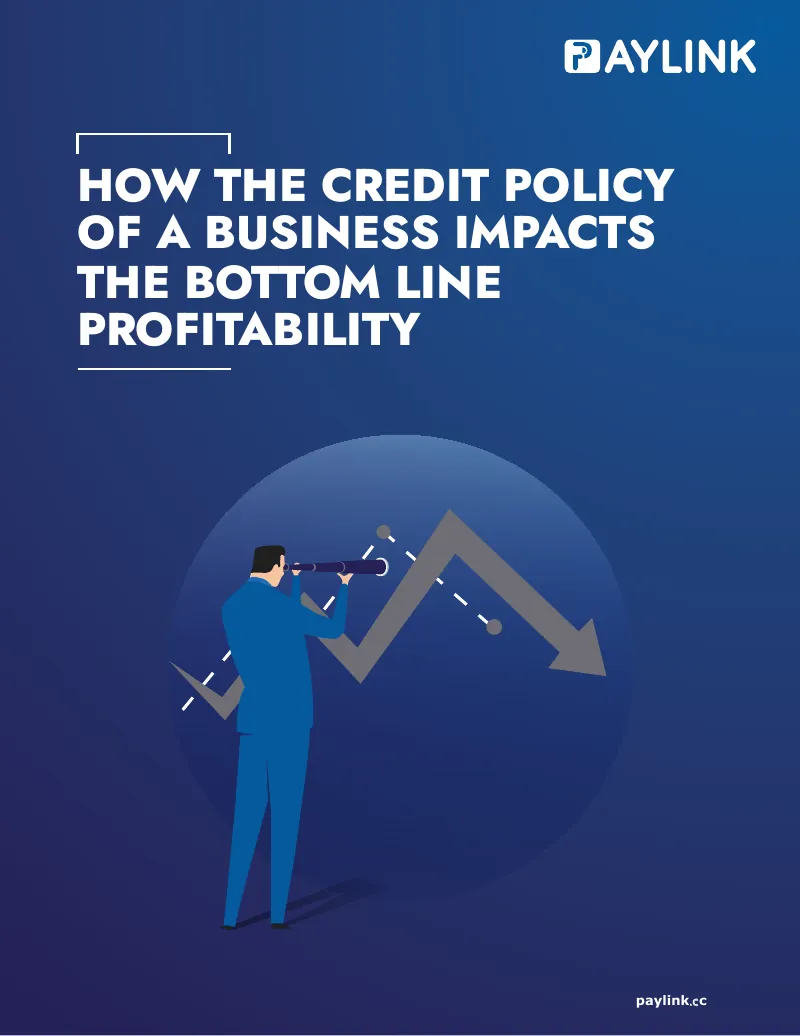
- W.01How the credit policy of a business impacts the bottom line profitabilityWhat a credit policy covers, and how its terms show up in DSO and the cost of capital.White paper · 18 pages
- W.02Building the case for taking B2B payments digitalWhy checks cost more than they look, and what moving receivables to digital payments changes.White paper · 5 pages
- I.01Accounts receivables analysisThree ways to read your receivables, from DSO to the time value of money.Infographic
- I.02Weighted cost of capitalWhat WACC measures, with the formula worked through.Infographic
- I.03Hard and soft costs of your accounts receivables processSeven costs of carrying receivables, from financing to the time senior staff spend chasing payments.Infographic
Plain-English guides to card fees and pricing models are on the blog.
09Questions
Before the first call.
Call or write with anything you want to check first.
What does PayLink actually do for a business?
Whether you already have merchant services or are taking cards for the first time, we start with how you take payments today and what that costs, in fees and in time. Then we find the right setup from the technology providers we work with, handle the setup, and stay your point of contact afterwards.
Will I have to replace the equipment or software I use now?
Not if it can stay. We integrate with your current processes whenever possible, and work with existing point-of-sale systems and terminals as well as the software you already run.
Is there a long-term contract?
No. There is no long-term contract and no termination fee, and your rates and fees are guaranteed.
How long does setup take?
As little as 24 to 48 hours. We handle the setup and the compliance work, equipment included.
Which pricing model should I choose?
It depends on how you sell and who your customers are, so we walk through all three pricing models with you first. Card-brand and state rules apply to Dual Pricing and Surcharging, and PayLink’s guidelines cap a surcharge at 3% or your true cost of acceptance, whichever is lower.
What happens when I need help later?
Call 952-222-7587 or email support@paylink.cc and a person answers. There is no phone tree and no voicemail maze.
10Talk to us
Start with how you get paid today.
Book a free consultation, or pick up the phone. If you have a recent processing statement, bring it along.